

Staffing Agency Software: A Government Contractor's Guide
Staffing agency software helps government contractors manage candidates, compliance, and reporting in one place. Learn how to pick the right tool.
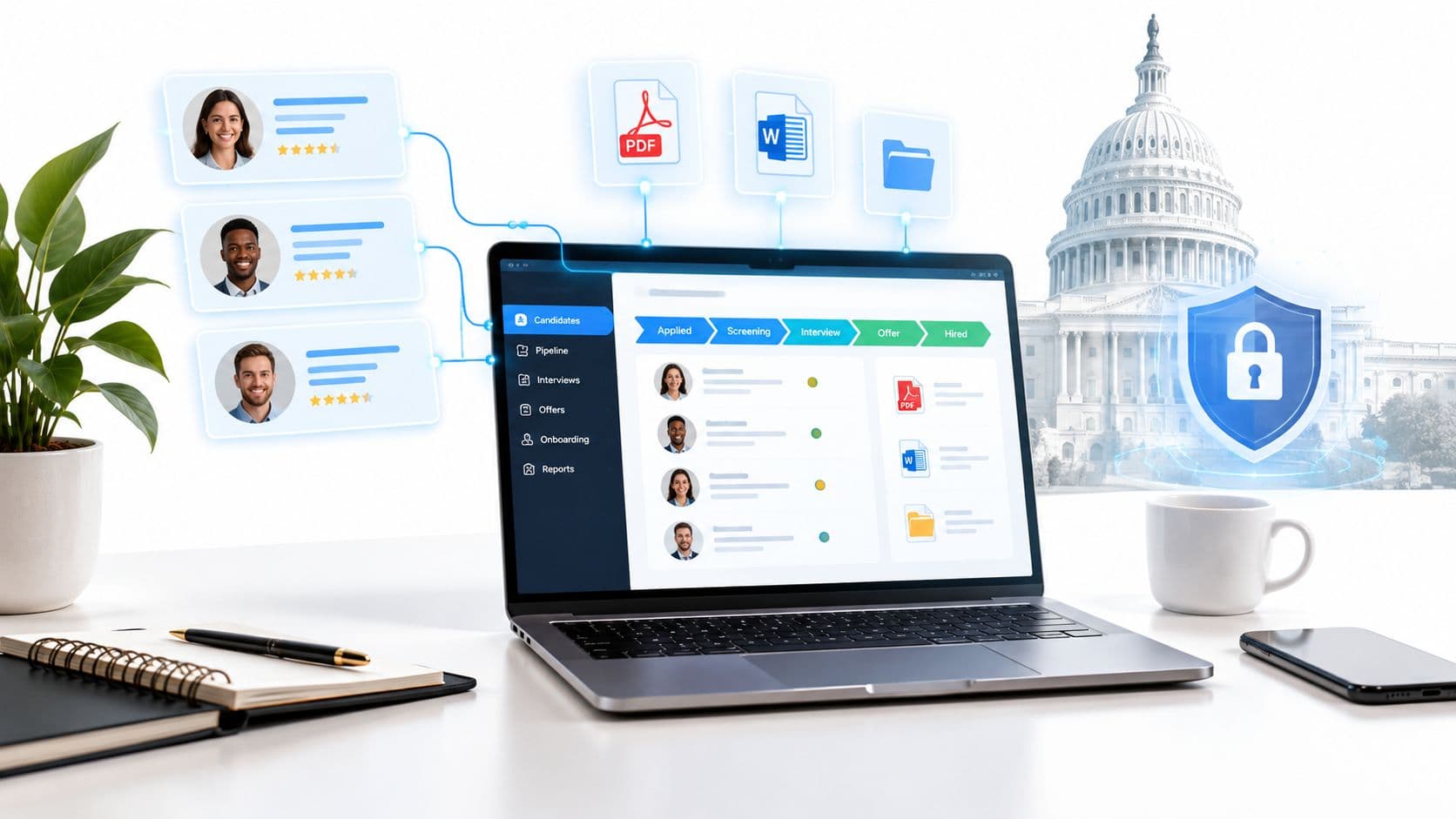
Everyone says staffing agency software should make recruiters faster. That advice is wrong for Australian Government ICT work. Speed matters, but the money and the risk sit in consent records, evidence trails, clearance handling, and contract linkage, because that's what stops a candidate being submitted to the wrong panel supplier with the wrong paperwork.
A desk handling Canberra ICT roles has to deal with a different operating model than a commercial temp desk. The ABS defines labour-hire as a linked employment relationship plus a commercial supply arrangement, and that structure is exactly why generic tools fall over when a recruiter is juggling candidates, representations, placements and disclosures at once. Australian labour supply services accounted for 2.3% of all employed people and ABS data recorded 351,000 people with a job in labour supply services in December 2025, with 68.1% working full-time in August 2024 and 297,800 people, or 84.8%, treating that work as their main job, so this is not a niche admin problem, it's operational infrastructure. ABS labour-hire workers release
If your software can't prove who approved representation, which CV evidence supported the match, and why a candidate was linked to a specific opportunity, it's not helping a government desk. It's hiding the risk until the submission lands.
Table of Contents
- Why Government ICT Recruitment Is a Different Game
- Core Capabilities a Government Desk Cannot Do Without
- How the End-to-End Placement Workflow Runs
- Selection Criteria That Separate Real Platforms from Marketing
- Implementing the Software Without Breaking the Desk
- A Realistic Day on a Government-Focused Desk
- A Short Decision Checklist Before You Buy
Why Government ICT Recruitment Is a Different Game
Throughput is the wrong metric for this desk. A recruiter in Canberra can move fast and still fail if the platform cannot show whether a candidate's consent matches the exact role, supplier chain, and representation record. Government ICT work runs on evidence, consent, clearance and contract linkage, and software that cannot hold those together creates risk, not efficiency.
The four frictions that matter
Government recruitment puts four pressures into one workflow. Procurement or panel relationships often sit behind the public job ad. Clearance is a hard gate, so the system has to treat it that way. Representation consent has to be current, specific, and properly recorded. Audit pressure never goes away, because every submission may need to be explained later.
The ABS describes labour-hire work as a firm supplying labour to another business for a fee, and that arrangement is exactly why generic tools struggle once clients, suppliers, roles and placements all need to stay connected. Privacy law is just as strict. OAIC guidance says valid consent must be adequately informed, voluntary, current, specific and given by someone with capacity, and organisations should have procedures to obtain and record it. OAIC key concepts guidance
A recruiter can survive a messy desk. A recruiter cannot survive a messy audit trail.
Commercial desks can tolerate rough edges. Government ICT cannot. If the software cannot prove who approved representation, which evidence supported the match, and why a candidate was linked to that opportunity, it is slowing the desk down and leaving exposure behind it.
Core Capabilities a Government Desk Cannot Do Without
A serious government-focused platform needs four things. Not twelve. Four.
Opportunity intelligence tied to the source
The first job is discovery. A recruiter shouldn't have to bounce between procurement notices, job boards and inbox alerts to spot an ICT opening. The software should surface live opportunities, identify the invitation posture, and keep the source record attached so the desk knows where the lead came from and why it matters.
That matters because Australian Government ICT demand is concentrated and location-sensitive. APS Digital Workforce Insights reports 7,876 current ICT and digital employees, with 87% of the APS ICT and digital workforce located in the ACT, and 87% of vacancies including the ACT as a location, while 40% are advertised with “ACT” as the location. APS digital workforce current state
Contract-to-ad linkage with evidence fields
The second capability is more important than most vendors admit. If a job ad sits behind a panel supplier, the system should map the ad back to the opportunity record with evidence fields for role, clearance, location and timing. If it can't do that, you're guessing which procurement sits behind the ad, and guessing is expensive in government work.
For a recruiter, this is the difference between a clean shortlist and a week of manual detective work. A good platform keeps the contract record, the ad, and the candidate match in one chain. I'd rather use a narrower system that does this properly than a broad one that blurs the link. If you're comparing database hygiene more broadly, the way candidate records are handled in candidate management software is the right benchmark, not generic ATS marketing.
Matching that explains itself
The matcher should do more than find keywords. It should score the candidate against the actual role criteria and show the evidence behind every recommendation. That means capturing what was extracted from the CV, what was inferred, and what still needs human review.
Practical rule: if the system can't show why a candidate scored well, don't trust it on a cleared government role.
A useful way to think about this is the same discipline you'd apply to contact data verification. If a tool can keep candidate details clean enough to support outreach, it should also keep role evidence clean enough to support submission. A practical reference point is the email verification tool features that make bad-contact risk visible before a message goes out. Government submission risk needs the same discipline, just applied to consent and role fit.
Pipeline visibility from unqualified to placed
The last pillar is the simplest to describe and the easiest to underbuild. The desk needs a pipeline that shows who is moving, who is blocked, and who has already been submitted elsewhere. Without that, managers can't run accountability, and recruiters can't stop duplicate effort.
For government ICT panels, that visibility also helps when a candidate is moving across multiple roles at once. The software should make it obvious when a match is promising but the consent state is not ready. That's not friction. That's control.
How the End-to-End Placement Workflow Runs
The workflow starts before the candidate gets involved. A recruiter scans live opportunities, filters them by invitation posture and clearance requirement, then opens the role ad or panel record. The software should rank the candidate pool against the actual role criteria, not just keywords, so the desk can separate a genuine match from a time sink.
What should happen before submission
Once a candidate looks viable, the software should capture representation consent as a structured record, not a tickbox that nobody can audit later. The record needs to show who approved what, for which role, and on what wording, because government submissions live or die on traceable consent. Package the consent record and CV cleanly before submission, and the PDF sending guide for size limits covers the file-handling side.
That hard block matters most in government recruitment, where CVs can include sensitive information like security-clearance details, health information or identifiers. The software should not force a recruiter to interpret privacy rules on the fly. It should stop the wrong submission before it happens.
What the desk should see while the role moves
After consent is recorded, the recruiter can submit the candidate, track interview coordination, and move the record through the pipeline. The system should keep an evidence trail that shows which line of the CV matched which requirement, so a manager can inspect the logic later if needed.
A panel supplier can still ask for a fast turnaround, but fast does not mean sloppy. If a role changes, the candidate should be re-scored. If a closed opportunity is reopened, the desk should get an alert. If a candidate has already been submitted elsewhere, the pipeline should expose that before a duplicate goes out.
Withdrawn consent should also be visible in the record history, so the desk can see why a candidate dropped out of play and avoid reusing stale permission. That keeps the audit trail intact without making recruiters rebuild the story by hand.
The practical effect on a recruiter's day
The best tools do not just store records, they cut down the number of surprises. A recruiter can focus on one strong shortlist instead of juggling five half-finished ones. A manager can see where approvals are stuck. A compliance lead can find the consent source without asking three people and opening eight tabs.
Government recruitment software that cannot do that is just a fancy notebook.
Selection Criteria That Separate Real Platforms from Marketing
The demo questions that matter are blunt. Ask them anyway.
Submission risk
Can the platform store consent as a structured state, with timestamp, candidate identity, role, recipient and version of the wording? Can it block submission automatically when consent is missing or stale? Can it show the audit trail without the recruiter rebuilding it by hand?
A solid answer sounds boring. A weak answer sounds flexible. Flexible is usually code for “we'll let you manage the risk yourself.”
Matching risk
Can the matcher show evidence spans, confidence, and missing requirements? Can it keep inferred attributes separate from verified facts? Can it re-score when the role changes?
That's where many platforms talk themselves out of the room. If the vendor treats AI scoring as a black box, they're asking you to trust the output without being able to defend it later. For an Australian Government ICT desk, that's not a feature gap, it's a compliance gap.
Pipeline and integration risk
Can a manager see who is under review, who has been submitted, and what's blocked? Can the system export evidence for review? Can it read live opportunity data directly from the source and push matches into reporting without a mess of exports?
For agencies comparing wider workflow systems, the best labour-hire software is the one that connects the desk's activity to the underlying opportunity record instead of forcing everything through manual reconciliation. On pricing, I'd be suspicious of heavy add-ons that turn basic compliance into an upsell. Per-user pricing is easier to understand, but only if the compliance and reporting pieces are included, not hidden.
If the vendor needs a long explanation to describe how evidence moves through the system, they probably haven't built for government work.
Implementing the Software Without Breaking the Desk
A rollout should feel controlled, not heroic. Six to eight weeks is a realistic window if the team is serious about data import, consent migration, role permissions and pipeline mapping. Rushing it creates exposure before the first submission leaves the desk.
The rollout sequence that works
Start with data import and make consent records part of that migration, not an afterthought. Then map the pipeline stages so recruiters and managers see the same statuses; the approach in recruitment workflow automation shows how to sequence this. After that, configure the opportunity feed and role-based access so recruiters can search and submit while managers can review and audit.
Only then should you run a shadow period. Two weeks alongside the old process is enough for most desks to catch mapping errors, bad field assumptions and duplicate record problems before they matter. Skip that step and the first live submission is where you discover the import was incomplete.
Training and access
Not everyone needs the same dashboard. Recruiters need the match view, the pipeline, and the consent gate. Managers need the review queue and KPI view. Operations people need the audit trail and export tools.
For agencies that want data to flow into existing reporting stacks, API access is usually an agency-tier capability, and that is fine as long as it is clear before purchase. If you are also comparing white-labelling and agency presentation layers, the white label agency software guide is a useful lens for judging how much branding control a platform really gives you. The point is not decoration, it is whether the system fits the desk without forcing workarounds.
The YouTube walkthrough below is useful if you want to see the handoff between workflow design and live adoption in one place.
Train recruiters on submission controls first, then train managers on review and exception handling, then turn on integrations last. That order keeps the desk productive while the old and new systems overlap.
A Realistic Day on a Government-Focused Desk
A recruiter in Canberra opens the morning dashboard and sees two live opportunities. One is a security-cleared DevOps role, the other is a multi-seat cloud engagement with a different panel supplier. The software shows the underlying opportunity record, the role criteria, and which source each opening came from, so the recruiter doesn't waste time guessing.
The matcher surfaces two existing candidates for the DevOps role. One scores higher, but the evidence trail shows a gap in the required clearance state, while the second candidate has a stronger fit on cloud tooling but weaker location evidence. The recruiter sees both recommendations, not just the ranking, and can decide which lead is worth chasing first.
The consent gate stops a submission on the cloud role because representation approval is missing for that specific opportunity. That's the right behaviour. The candidate can still sit in the pipeline, the manager can still review the note, but the system won't let the desk pretend the approval exists when it doesn't.
The manager checks the dashboard and sees one candidate in needs-review, one queued for submission, and one already linked to another active role. That visibility matters more than a flashy homepage ever will. The recruiter also gets an email digest when a new match crosses the threshold, which keeps the desk responsive without making it frantic.
If you run the same routine every week, the habits matter. Review the daily digest, clear the pipeline weekly, and audit consent monthly. That's how staffing agency software becomes a system instead of another tab in the browser.
A Short Decision Checklist Before You Buy
Ask four questions before you sign anything. Does the software record consent as a structured state? Does it show evidence for every match? Does it surface invitation posture and clearance from the source? Does it give the manager a real view of pipeline health?
Then check three practical things. Can your existing data be imported without losing consent history? Can the platform integrate with your reporting stack? Can you understand the full cost without discovering essential features as add-ons later?
If your desk only touches government work occasionally, a generic platform may be enough. If a meaningful share of your placements and revenue depends on Australian Government ICT panels and cleared roles, you need a specialist tool that treats evidence, consent and matching as core workflow, not admin overhead.
erecruit gives Australian Government ICT recruiters a way to map open procurement opportunities to live job ads, score CVs against role evidence, and block submissions until representation is approved. If you're running a desk around Canberra contracts, panel suppliers and security-cleared contractors, visit erecruit and see how the workflow fits your team.